
Can You Switch Alarm Monitoring Companies and Keep Your Equipment?
Changing monitoring companies does not always mean a new alarm system. Here is what decides whether your equipment can stay, and how to plan the changeover.
A renewal notice from your alarm monitoring company is often when the question comes up. Maybe the price has gone up, or you would like your cameras and alarm handled by the same company. Before you decide anything, you probably want to know whether moving to a new company means paying for a whole new alarm system.
You may be able to switch without replacing the whole system. Existing wiring and compatible sensors can often be reused, even if the panel or communicator needs changing. What decides the rest is who owns the equipment and whether it is locked to the company you have now. This guide covers both, along with the contract and timing questions that are easy to miss.
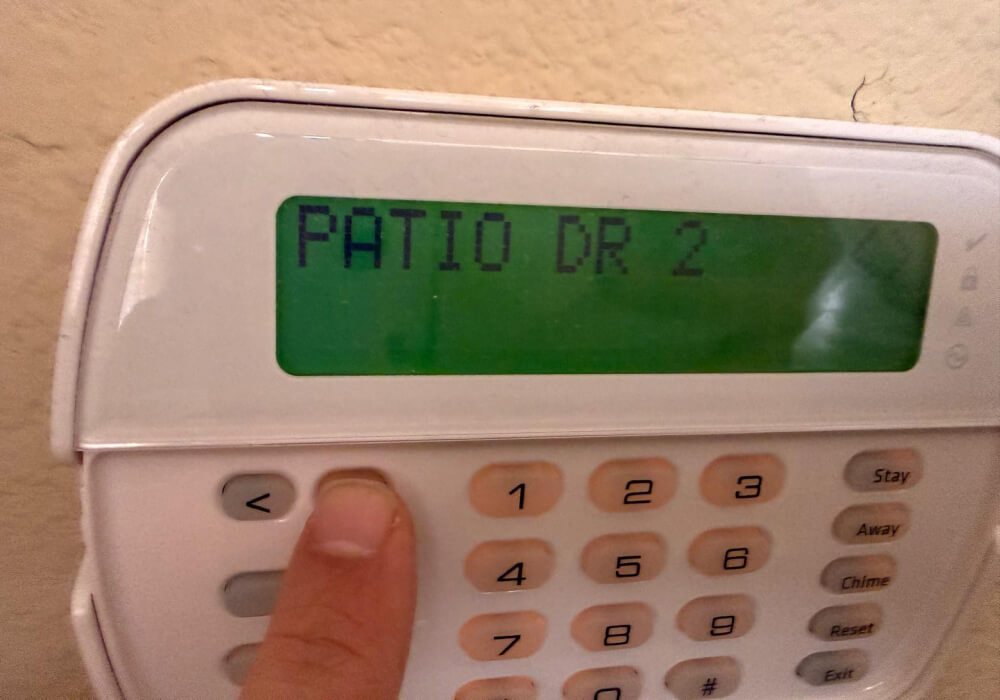
What Can Usually Stay When You Switch?
Whether equipment can stay depends on its compatibility, its condition and who owns it. Some parts are easy to keep, and others need a closer look during the assessment. Here is how the main parts usually work out:
- Wiring and wired sensors: Hardwired door contacts and motion detectors can usually stay, even if the panel itself is replaced.
- Wireless sensors: Some can work with a replacement panel, and others need a compatible receiver or adapter. Ask the new company to check the exact models before anything is added to the quote.
- Keypads: A keypad must be compatible with the specific panel, and the brand alone does not settle that. If the panel changes, the keypads may need replacing too.
- The panel: Many panels can be reprogrammed to report to a new monitoring company. Whether yours can depends on the issues in the next section.
- The communicator: This is the part that sends signals to the monitoring station, and it often needs the most attention.
Installer Codes, Proprietary Panels and Provider-Owned Equipment
The installer code is the code used to set up and program the system. It is different from the master or user codes your staff use to arm and disarm it, so knowing your own codes does not give a new company access to the programming. A missing installer code, proprietary equipment and provider ownership are different issues, and the new company should look at each one separately.
| Issue | What it means | Usual way forward |
|---|---|---|
| No installer code | The current company holds the code needed to program the panel | Ask for it in writing, or have the new company check whether the panel can be reset and reprogrammed |
| Proprietary panel | Equipment or software that limits which companies can support the system | Check whether another company can support it. If not, look at a new panel and reuse compatible devices |
| Provider-owned equipment | The company owns the equipment under your contract | Check the contract for return or buyout terms |
Do not reset the panel yourself before the new company has looked at it, because the new company can learn a lot from the existing programming. A factory reset may erase that programming, so zones, reporting settings and user access may have to be set up again. What can be kept depends on the panel and the type of reset. Some panels also have a lockout that blocks a reset, and in that case the panel may need replacing.
Can Your Communicator Move to the New Company?
The communicator is the small device, usually cellular, that carries alarm signals from the panel to the monitoring station. Most cellular communicators are registered to an account under the company that installed them. Some can be moved to the new company’s account and some cannot. If yours cannot be moved, ask whether a compatible replacement communicator will let you keep the panel.
If your system still uses a phone line, ask the new company which ways of sending signals work at your property and what backup each one has. We explain how an alarm reaches the monitoring station, and what happens to that signal when the power goes out, in our article on whether an alarm can still send a signal during a power outage.
What Happens to Your App Access and User Codes?
For most staff, the alarm is the code they type at the keypad each morning and the app on their phone. Both can change when you switch companies, and so can the details the monitoring station uses to reach you, so plan for them before the new company takes over:
- User codes: Existing codes may carry over, but ask the new company to confirm how user access will be handled during setup.
- The app: Many alarm apps are linked to an account set up by the monitoring company. When you switch, you will usually get a new account through the new company, and each user will need a new invitation.
- Schedules and automations: Arming schedules and automations set up in the old app may not carry over. Write them down before the switch so they can be set up again.
- Passphrase and call list: The password you give the monitoring station to cancel a false alarm, and the list of people they call, are separate from keypad codes. Confirm both with the new company before the switch.
- Alarm history: Past alarm records usually stay with the old company’s account. If you need them for insurance or an investigation, ask for a copy before you cancel.
Read Your Contract Before You Give Notice
Monitoring contracts often renew on their own, and the notice terms are easy to miss until a renewal has already gone through. Before you contact your current company, find the contract and look for these terms:
- Who holds the contract: If you lease the building, confirm who is authorized to approve the change and whether your landlord needs to agree to it.
- Contract term and renewal: Check when the current term ends and whether it renews automatically for another term.
- Notice period: Many contracts require written notice a set number of days before the end date. Missing it can lock you into another term.
- Early cancellation charges: If you leave before the term ends, check what the contract says about the remaining payments.
- Equipment ownership and return: Confirm whether you own the equipment or need to return it, and what happens if you keep it.
If any of the terms are unclear, ask the current company to confirm them in writing.
How to Plan the Switch
The safest switch is one where the new account is set up and tested before the old service ends. Ending the old service first can leave the building without monitoring for days. There may still be a short planned interruption while equipment is reprogrammed or replaced, and the new company should tell you about it in advance. A typical switch follows this order:
- Checking the notice deadline: Find the deadline early, so you know how much time you have. Where you can, arrange the assessment before you commit to the change.
- On-site assessment and quote: The new company checks the existing equipment, tells you what can stay, and gives you an itemized quote that separates equipment and setup costs from monthly monitoring and app charges.
- Giving notice: Send written notice in time to meet the deadline, and set the end date for after the new system will be tested.
- New account set up: The new monitoring account is opened, and your call list and passphrase are entered before anything changes on site.
- Reprogramming or replacement: The technician reprograms the panel to report to the new station, or replaces the parts that cannot be moved.
- Testing every zone: Each zone is tested, and the new monitoring station confirms that every signal arrives under the right account with the right zone description.
- Old service ending: The old service ends on the date you set, after testing is complete.
If your current panel cannot be moved and you are weighing a replacement, our commercial alarm systems page explains the panels TXP Security installs.
Services That May Be on the Same Account
Some buildings have more than an intrusion alarm on one monitoring account. A fire alarm panel, panic buttons, an elevator phone or video verification may report through the same company, or through separate agreements. Before you cancel anything, list every service the current company monitors for you, and make sure each one is moved or covered by its own agreement. If a fire alarm is on the account, check with whoever services your fire alarm before you cancel anything.
When Replacing the Panel Makes More Sense
Keeping the existing equipment is not always the best choice, even when it is possible. Sometimes the cost of working around an old panel comes close to the cost of replacing it, and a replacement may offer better value. Replacement is worth considering when:
- The panel is old or no longer supported: Parts and updates may be hard to find, and repairs get more expensive over time.
- The communicator cannot be moved: If it has to be replaced anyway, compare that cost with a newer panel that has one built in.
- The building has changed: New doors, new tenants or a new layout may need more zones than the old panel supports.
- You want everything in one app: A newer panel can often work alongside cameras and access control in a single app.
Even then, replacing the panel does not mean replacing everything. In most cases, the wiring and compatible sensors stay where they are.
Thinking About Switching Your Alarm Monitoring?
TXP Security takes over existing alarm systems for businesses across Texas. We look at your current equipment on site and tell you plainly what can stay and what needs replacing. The changeover is planned around your service end date, and every zone is tested with the new monitoring station before the work is signed off. To talk through a switch, call 866-322-9555.
Frequently Asked Questions
Can I switch alarm monitoring companies in the middle of a contract?
You can, but the contract may charge for the remaining term. Check the cancellation terms first, and ask the current company to confirm the amount in writing.
Will my alarm be offline while I switch?
There may be a short planned interruption while the panel or communicator is reprogrammed. Setting up and testing the new account before the old service ends avoids a longer gap between companies.
What if my old alarm company will not give me the installer code?
Depending on the model, a technician may be able to reset and reprogram the panel. If the panel has a lockout, it may need replacing, but compatible wiring and sensors can often stay.