
Are Your Security Cameras a Backdoor Into Your Business Network?
When was the last time anyone checked how your security cameras connect to the rest of your network? For most businesses the honest answer is never, not since the day they were installed. The cameras work. The footage is there when someone needs it, so nobody looks any closer.
Here is the part that often gets overlooked. Every IP camera and NVR on your property is a small computer that sits on your network, so how it is connected matters just as much as how clearly it records. This is the side of business security camera cybersecurity that rarely gets attention, and giving it a few minutes now saves you from a problem you did not see coming.
TXP Security designs and installs commercial security systems for businesses across Dallas and the DFW metroplex, and throughout the other Texas areas we serve. The guidance below applies to any business that runs cameras on its network, wherever you operate.
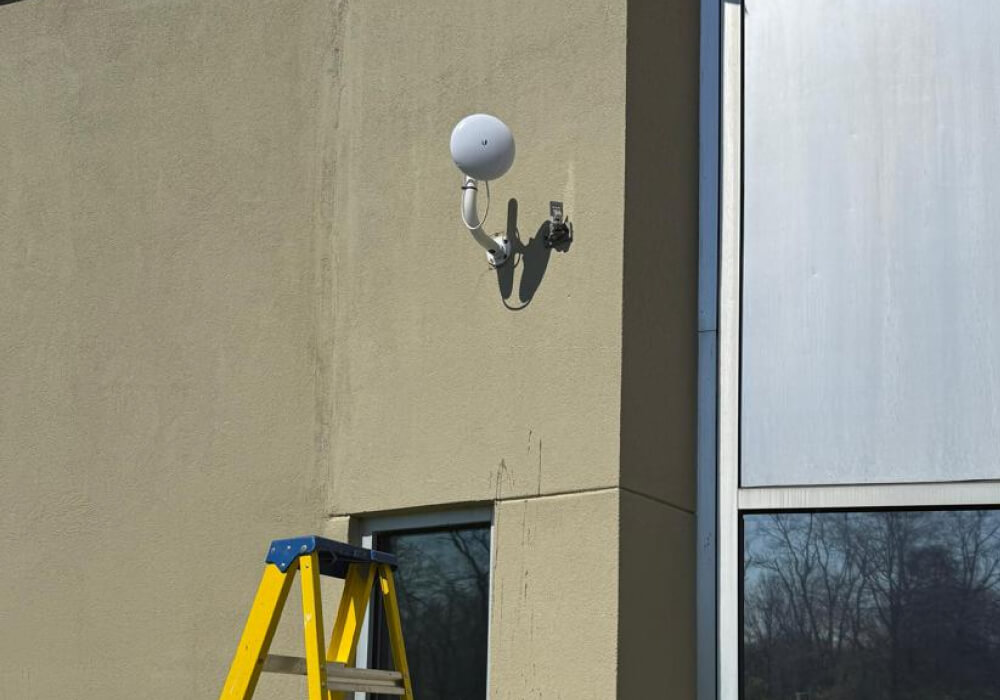
Your cameras live on your network
In most existing installations, the cameras were set up some time ago and no one has looked at the network side since. The footage still plays, so the system appears complete. When we map an existing setup, the cameras are very often sharing one flat network with the registers and the back-office computers. Whether the system is genuinely secure depends on how someone configured that connection, which is not something you can judge by looking at the video.
What makes a camera system safe or risky
- Passwords. Every IP camera and NVR ships with a default username and password so it can be switched on out of the box. A proper installation replaces those with strong, unique credentials before the system goes live. When we review an existing system, the original default is often still in place, and it is the easiest opening an attacker will find. We have looked at systems less than a year old and still found the factory password active.
- Firmware updates. Like any device, a camera runs on software that needs regular updates. A camera that has not been updated in years is running on outdated software, and outdated software is easier to break into because its weak points are already well known.
- Network segmentation. Cameras need a network connection for remote viewing, but they do not need to share that network with your servers and workstations. Placing them on a separate segment, usually a dedicated VLAN, keeps any problem with a camera contained to the camera. This depends on how the network cabling was run in the first place, and it is the step lower-cost installations most often skip, even though it tends to matter most.
How one camera becomes a way into everything
A door is useful because it lets the right people in and out, but every door is also a possible entry for someone who should not be there. A solid door with a good lock does its job, while a flimsy one, or one left unlocked, is an open invitation. The trouble on most properties is that the camera doors open straight into the main hallway, because the cameras share a network with everything else. Once an attacker is through that one weak door, nothing stops them from moving toward the servers and backups where the real damage gets done. The camera was never the target. It was simply the easiest way in, and moving sideways from there is exactly how a lot of ransomware reaches a business.
What it actually costs when a camera is the way in
- Access to everything else. From a compromised camera, an attacker can move through the network to your servers and the backups sitting behind them. This risk does not appear on a camera’s spec sheet, because it comes from how the system is connected rather than from the equipment itself.
- Exposed footage. Your cameras cover entrances and registers, and usually the back areas that are off limits to most people. A compromised feed can expose video you are responsible for protecting, creating a liability that reaches well beyond the IT department.
- Downtime that stops the business. For most companies the real cost after a breach is the days of work you lose and the customer trust that takes months to win back.
A tip from our security experts
Signs your camera system may be exposed
- Has anyone changed the default password on your cameras and NVR since the day they were installed?
- Do you know when the firmware was last updated, or whether it ever has been?
- Can the cameras be viewed from outside the building, and if so, who configured that access and how is it protected?
- Are the cameras on the same network as your computers and servers, or on a segment of their own?
How a professional installation closes the gaps
If every camera is a door, then the quality of the door and the guard watching it both matter. A secure system works in two layers, and the specific products matter less than getting both layers right.
The first layer is the hardware. Cameras and recorders should be secure from the start, with proper firmware support and strong authentication, rather than something patched into shape later. In our installations we use Provision-ISR cameras and NVRs for that reason. Good hardware gives you doors with solid locks, though a camera is still only as secure as the way it goes in. We change the default passwords, keep the firmware current, lock down remote access, and put the cameras on their own segment, off the network your servers live on.
The second layer is the network. It watches the traffic moving across your system and blocks intrusion attempts before they reach anything critical, and it is the layer most installations skip. We use Check Point network protection here because it supports that layered approach, not because a camera should be left to defend itself. On its own, a camera cannot tell you it is being used as an entry point. The network layer can.
Run together, the two layers give you defense in depth. The hardware and the network watch different things, so one weak point does not decide whether your business is safe. It is the same principle behind a fully integrated commercial security system, where cameras, alarms, and access control share one protected backbone rather than three separate ones. If you are weighing a new system, our guide to commercial security cameras covers what a well-built camera system delivers day to day.
One more point worth making. Attackers do not choose targets by size. The automated scanners that probe a 50,000-square-foot distribution center reach a small medical office just as readily, often because the smaller property assumes no one is looking. We see it on small sites more than the owners expect, and it is why a serious system pairs good hardware with active monitoring.