
Live Video Monitoring · Austin, TX
Live Video Monitoring in Austin, TX
TXP Security connects Austin commercial cameras to trained operators who review activity in real time, use two-way voice when appropriate, and follow the response plan set for each property.
- Professional monitoring through COPS Monitoring, a UL-listed central station
- Voice warnings and response based on reviewed camera activity
- Coverage scheduled around operating and unattended hours, with 24/7 available
- Works with many existing cameras, flexible service terms
Get a free quote for your property.
No obligation. We respond within one business hour.
Live Video Monitoring for Austin Commercial Properties
Cameras provide a clear record, but some Austin properties need a response while activity is still underway. TXP Security connects compatible cameras to COPS Monitoring, where trained operators review live video events during the hours selected for the property.
The operator checks what caused the event before following the approved response plan. Depending on the equipment and instructions in place, that response may include a voice warning or a call to the keyholder. Coverage is set to the hours the property actually needs it. When we add live video monitoring, we connect it to the commercial security cameras already on the building rather than replacing them.
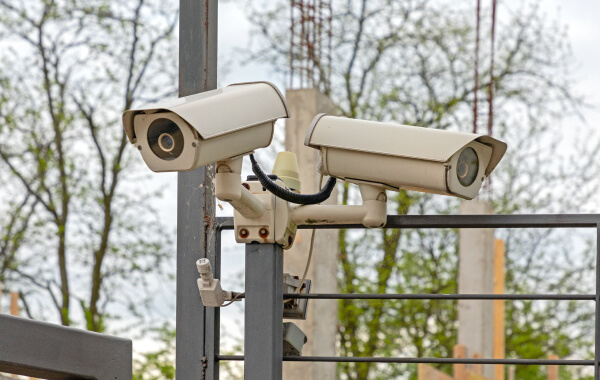
Live and Remote Video Monitoring Across Austin and Central Texas
TXP Security provides live and remote video monitoring for commercial properties across Austin and the surrounding cities. Coverage can be set for one building or coordinated across several locations, with each property following its own monitoring hours and response plan. When we set up monitoring for security systems in Austin, we can often use the cameras already installed at the property.
Explore Austin services
One Local Team for Every System You Run.
Two-Way Voice and Active Video Response
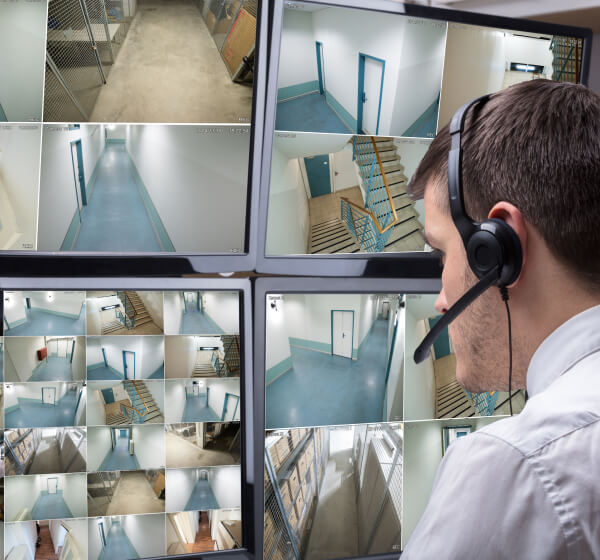
TXP Security configures live video monitoring as part of the camera system, with detection areas and coverage hours set for the property. When the system sends a video event, a central station operator reviews the live feed and follows the response instructions on the account.
Operator review
A trained operator reviews the video before deciding whether the activity needs a response.
Two-way voice
A warning can be issued through on-site speakers when compatible equipment is installed.
Police dispatch
Requested when the activity meets the account’s approved response plan.
Event record
The time, camera, action taken, and result are documented by the operator.
What TXP Security Monitoring Provides for Austin Businesses
Action during the event
An operator can review activity and respond while the person or vehicle is still on camera.
Operator review before escalation
Coverage during selected hours
A documented response
Coordinated coverage for several sites
Live Video Monitoring by Property Type in Austin
Warehouses and Distribution
Construction Sites
Auto Dealerships
Self-Storage and Retail
Add Live Video Monitoring to Your Austin Cameras
TXP Security will review the cameras at your Austin property, confirm what can support monitoring, and set the coverage hours and response instructions with you. Any equipment changes are identified before service begins. Flexible terms are available without a long-term contract.
Austin Live Video Monitoring Questions, Answered
What is the difference between camera recording and live video monitoring?
Recording saves footage for later review. Live video monitoring sends configured camera events to a trained operator during the selected coverage hours. The operator reviews the live feed and follows the response plan approved for the Austin property.
How can an operator respond in real time?
The response depends on the instructions and equipment approved for the property. An operator may issue a warning through an installed speaker, contact the keyholder, or request police dispatch after reviewing activity that meets the response plan.
Is someone watching my cameras 24/7?
Only if the business selects that coverage. Monitoring can be set around nights, weekends, or other unattended hours. When a configured video event occurs, an operator reviews the live camera and responds according to the account instructions. Continuous live monitoring, with an operator viewing in real time, is available as an option.
What happens after a monitored video event?
The operator records what the camera showed and the action taken, such as a voice warning or a keyholder notification. Reporting details depend on the monitoring service selected.
Can you use the cameras I already have?
Often. Compatibility depends on the camera manufacturer, model, resolution, placement, network, and monitoring platform. TXP Security checks the existing system first and identifies any camera, speaker, or connection changes needed before the service is activated.
Can one monitoring service cover several Austin locations?
Yes, when the cameras and platforms are compatible. Each location can have its own monitoring schedule, detection areas, contacts, and response instructions, while the business manages the service through one coordinated account.